For many visual creators, the distance between a rough photo and a polished final asset feels frustratingly wide. You might have nailed the composition, the angle, the subject placement, yet the lighting is flat, the style feels wrong, or the background pulls attention away from what matters. Traditional editing asks you to manually repaint, relight, or composite each element, a process that demands hours of skill and patience. At the same time, purely text-driven AI image generators often reinterpret everything from scratch, discarding the structure you intentionally built. That is where a platform centered on Image to Image starts to make sense. Instead of asking the AI to guess the layout, you supply a reference image as the foundation and use written prompts to guide the mood, texture, and overall atmosphere. The promise is not magic; it is a significantly more predictable creative loop, one that treats your original visual as a collaborator rather than an afterthought.
Why Starting with a Reference Photo Matters
The most overlooked challenge in AI-assisted visual work is composition drift. When you describe a scene entirely through text, the model must imagine where each object sits, how large it appears, and how light falls across the frame. Even small prompt changes can produce wildly different layouts, making it hard to iterate toward a consistent result. By contrast, an image-to-image approach anchors the structure from the very first moment. You give the system a real composition, whether it is a product mockup, a portrait, or a landscape shot, and the AI works to reinterpret the surface while respecting the underlying shapes. This is not a subtle difference. In practical use, it turns the creative task from “teach the AI to position things correctly” into “tell the AI which style and emotion to apply,” a shift that saves time and reduces the frustration of abandoned generations.
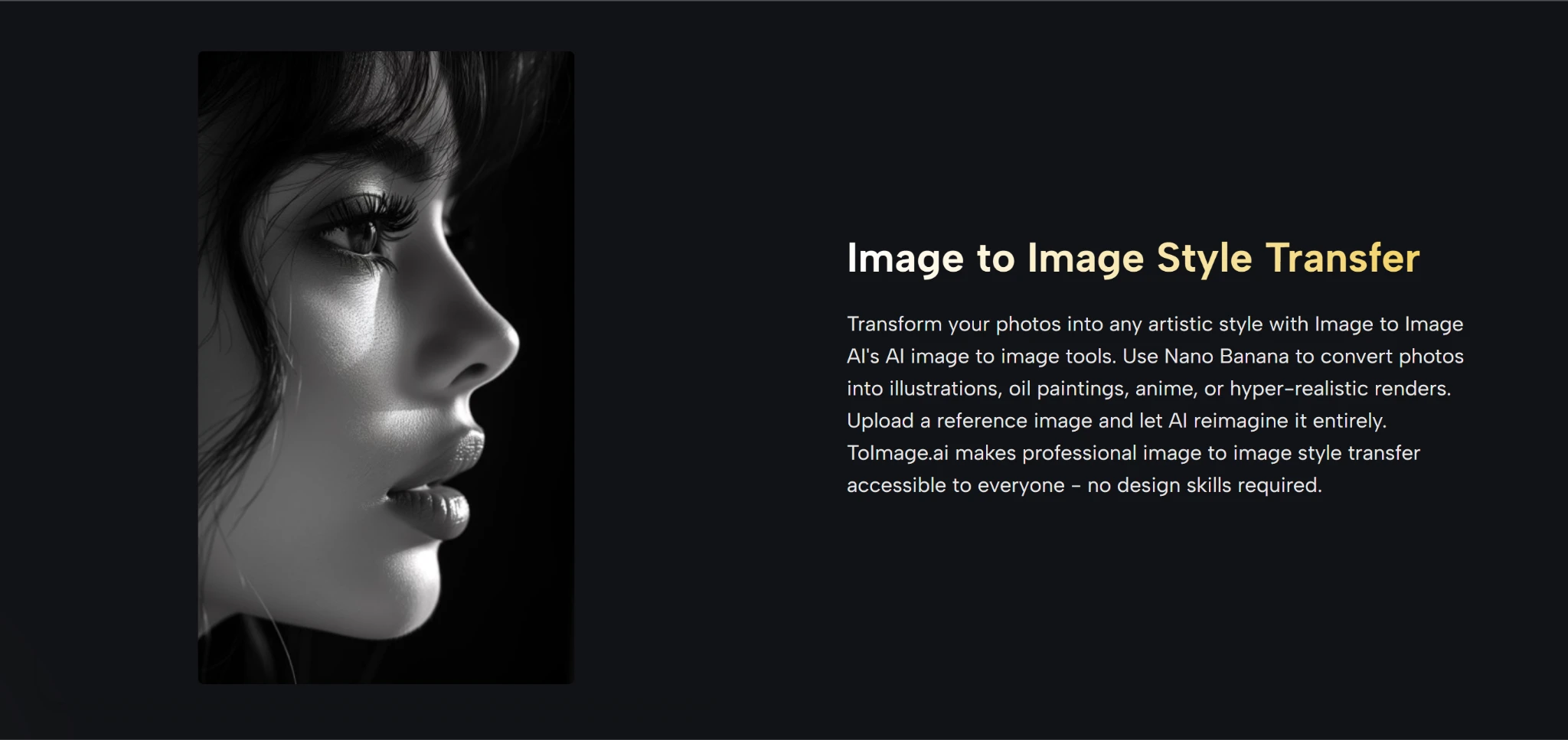
From a user perspective, what separates a reference-first tool from a basic filter is the depth of change it allows. A good image-to-image engine can do more than paste a painterly texture on top of a photo. It can restyle fabric, convert daylight to golden hour, or reimagine an outdoor scene as an illustration while preserving the person’s posture, the car’s silhouette, or the building’s geometry. That retention of structure is what makes the output usable in commercial contexts, where you cannot afford to lose the product’s recognizable form.
The Building Blocks Behind the Platform
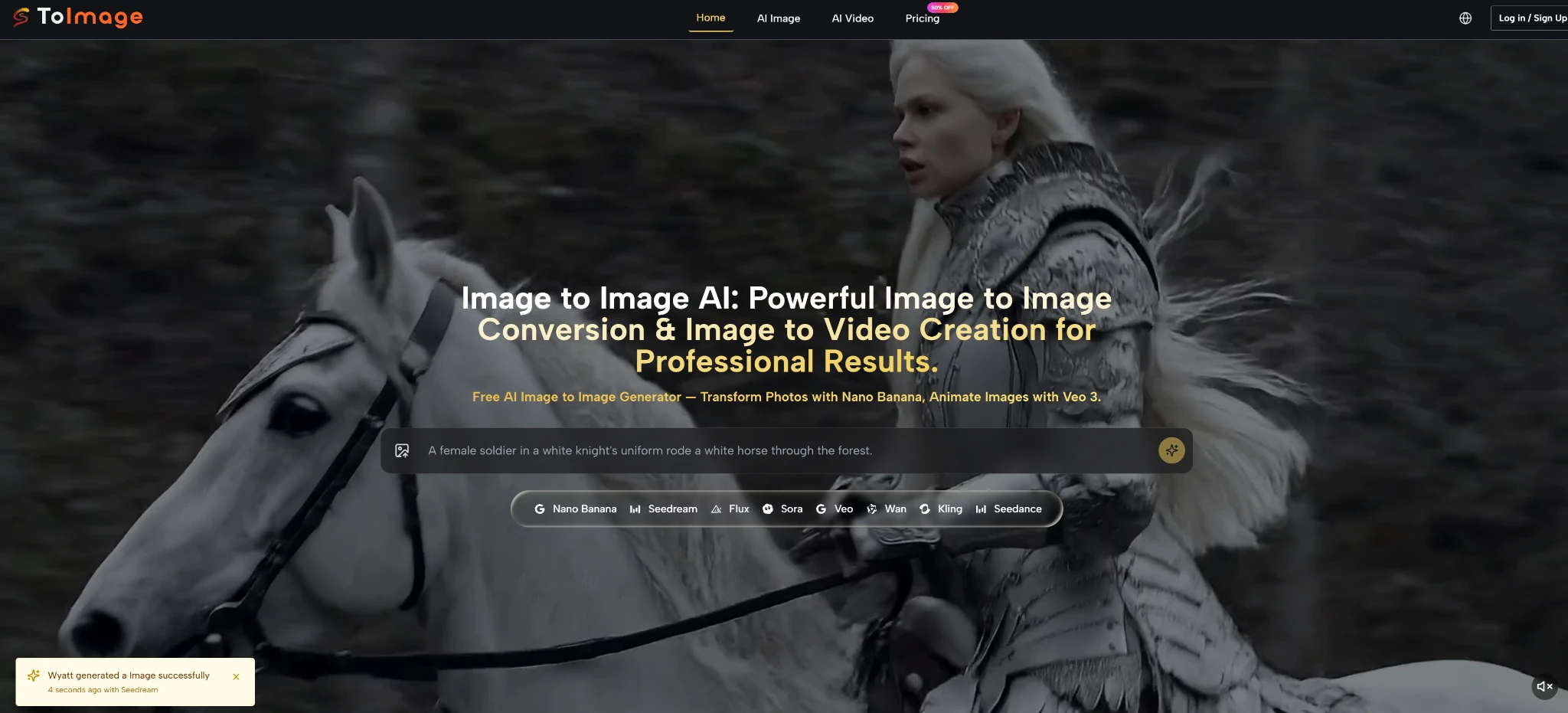
Toimage AI does not rely on a single monolithic model that tries to handle every visual task equally. Instead, the platform aggregates several generation engines under one interface, each with distinct strengths for different stylistic goals. When I explored the tool, the available options included Nano Banana, which tends to excel at fast, expressive style transfers, and Flux, which often delivers more photorealistic refinements and nuanced lighting adjustments. Additional models such as Grok, Seedream, and others are selectable depending on the intended output, giving the user a meaningful choice rather than a one-size-fits-all black box.
This multi-model design matters because an image-to-image task can mean completely different things to different people. A social media manager needs a consistent, on-brand color palette and clean background replacement. A concept artist might want a watercolor reinterpretation that keeps the character’s proportions intact. An e-commerce team might simply need to remove a distracting object and harmonize the scene. No single AI engine handles all of these equally well, and the ability to switch between backends without leaving the workflow is where toimage.ai feels less like a toy and more like a production-oriented workspace.
Beyond still images, the AI Image to Image platform also extends into image-to-video functionality through Veo 3, giving motion to a static frame. While I focused primarily on the still-image pipeline, the presence of video generation suggests a longer creative arc: refine a reference, convert it to a stylized still, and then animate the result inside the same environment.
A Step-by-Step Walkthrough of the Tool
Based on the actual flow presented on the site, the process centers on three straightforward actions. There are no mandatory sign-up hurdles to understand the core mechanic, and the interface keeps the sequence visible without burying options in nested menus.
Step 1 Upload Your Starting Image
Uploading is the step that defines the skeleton of your entire output. You are not attaching a loose inspiration; you are fixing the spatial blueprint.
What the Upload Step Accepts and Why It Works
The interface invites you to drag and drop or select a file directly. In my testing, common formats such as PNG and JPEG processed without issue. The tool treats the uploaded image as the structural anchor, meaning the composition, relative sizes, and general placement of subjects tend to carry through to the final result. If the reference has a clear foreground subject against a simpler background, the AI often handles edge separation cleanly. Busy, cluttered photos can still work, but they occasionally introduce ambiguity that the model then interprets in unexpected ways.
File Quality and Its Influence on Output
While the platform does not enforce a very narrow resolution window, the source quality still matters. A low-resolution, heavily compressed image gives the AI less detail to latch onto, and the result may exhibit softer edges or muddled textures. Conversely, a sharp, well-exposed reference gives the model more visual information, leading to crisper restylizations. From a practical standpoint, spending a few seconds to choose a clear reference pays off more than obsessing over a single perfect prompt.
Step 2 Describe the Transformation You Want
Once the visual foundation is set, you move to text instructions. This is where the creative leap happens, and the quality of the output often mirrors the specificity of the description.
Translating a Visual Goal into a Prompt
The prompt field is not a simple filter selector; it expects natural language describing the desired aesthetic, lighting time, environment, and material qualities. Instead of writing “make it a painting,” a more effective approach is “oil painting, soft brushstrokes, warm afternoon light, muted earth tones.” The model appears to interpret the prompt as a layer of stylistic direction draped over the reference structure, not as a command to redraw everything.
Prompting Patterns That Tend to Produce More Coherent Results
Through repeated trials, I noticed that prompts which acknowledge the existing object work better than those that try to replace it. For example, keeping the subject identity clear (“the same building,” “the same person”) while openly describing the new atmosphere reduced the chance of face distortions or architectural warping. Conversely, prompts that demanded a full subject swap while preserving the background occasionally led to ghosting artifacts, a limitation worth remembering.
Step 3 Choose a Model and Generate the Result
With reference and prompt defined, you select which AI engine handles the transformation. This choice is not cosmetic; it steers the entire look.
How Model Choice Affects the Final Look
Switching between models on the same image and prompt can produce noticeably different interpretations. Nano Banana often delivers vivid, stylized outputs quickly, making it suitable for concept exploration or social visuals where a bold aesthetic matters more than pixel-accurate realism. Flux, in my experience, leaned toward subdued, photographic-grade results with more careful light interactions. The model router essentially becomes a creative dial, letting you explore breadth without rewriting prompts.
Comparing Two Renderings from a Single Reference
I tested a product photo with both a stylization-oriented model and a realism-focused model under identical prompt conditions. The stylized output turned the object into a vibrant illustration that kept the original contours intact, while the realist version produced what looked like a professional studio shot with changed lighting and a cleaner background. Neither was objectively better, but the difference confirmed that model selection is functional, not decorative.
How the Reference-First Model Compares to Text-Only Generation
To understand where toimage.ai fits, it helps to place it next to the more familiar text-to-image workflow that many creators have already tried.
| Aspect | Typical Text-to-Image Generator | toimage.ai Image to Image Workflow |
| Starting point | A text prompt alone; the composition is fully imagined by the AI. | A user-supplied reference photo that anchors the layout. |
| Composition control | Requires extensive prompt engineering to lock structure and positioning. | Inherits shapes and spatial relationships from the uploaded image. |
| Learning curve | Steep for maintaining consistent scenes or object placements. | Lower, because visual input reduces the need for structural description. |
| Variability across attempts | Can drift dramatically between seeds, even with identical prompts. | Stays tied to the reference, making brand and product assets more repeatable. |
| Best suited for | Pure ideation, abstract art, or open-ended exploration. | Refining existing visuals, style transfer, product imagery, and controlled restyling. |
The table is not meant to declare one approach superior. Text-first tools remain unparalleled for imagining something entirely new from nothing. But when the starting point is already a real photo that has correct framing and the task is to change its visual language, a reference-first interface simply removes steps and guesswork.
What You Need to Know About Consistency and Limitations
No image-to-image system produces perfect results every time, and toimage.ai is no exception. Understanding where the edge cases live prevents unrealistic expectations.
The tool’s ability to preserve fine details depends heavily on the original image’s clarity and the prompt’s precision. Human faces, hands, and intricate textures sometimes wander into uncanny territory, particularly when the prompt pushes the style far from the reference. In my practical testing, complex scenes with overlapping objects or reflective surfaces occasionally introduced artifacts that required a second or third generation to resolve. The result may vary in terms of edge coherence, and it is fair to say that highly delicate work still benefits from a human final touch.
Prompt quality acts as a gatekeeper. Vague instructions often produce generic, airbrushed-looking outputs, while overly ambitious requests that try to reconstruct geometry tend to conflict with the reference’s structure and can lead to visual noise. The models seem optimized for surface-level transformation rather than deep reconstruction, so expecting the AI to correctly reposition a product’s specular highlights while also changing the material from matte to polished metal may require iterative refinement.
Speed and resource generosity on the free tier are functional for exploration but understandably capped. Heavy use or high-resolution output chains naturally steer toward the paid plans, a standard model in this space. The platform does not promise infinite free compute, and that is a reasonable trade-off for sustained quality.
Finding Its Place in a Modern Creative Stack
toimage.ai does not try to be every tool for every visual task. It sits most comfortably in that middle zone between a raw photo and a finished deliverable, where the composition is already sound but the mood, lighting, or stylistic register needs a dramatic shift without rebuilding the frame from scratch.
For creators who regularly generate product variations, social media visuals, or location scouts that need time-of-day changes, the reference-first pipeline removes repetitive structural prompting. The interface surfaces the most impactful levers, your uploaded image, your prompt, and your model choice, without drowning you in parameter sliders. That clarity comes with the natural trade-off that edge cases require patience and trial, but for the core tasks it was built to handle, the tool performs precisely the job it advertises.
As AI-assisted visual tools continue to multiply, the ones that earn a permanent spot in a workflow will likely be those that respect a creator’s existing material rather than forcing them to abandon it and start over. On that count, the image-to-image approach represents less a trend and more a practical realignment, one that treats the image you already have as the most valuable input in the entire process.
Also Read: Topview Avatar 4: The AI Video Generator for Effortless Marketing Content